
One of the things I appreciate about the Exceed journal is that in addition to 240 pages, there are 5 Index pages at the front of the journal. I use this space to write down the pages I have designed and I’m spacing them out over the whole index, in case I add more pages later:

There are plenty of things you can add to your journal, personally I like a color key for my pens and an annual calendar.
Here’s the 2026 Pens I’m using:

For the trackers I’ll be sharing this month, I like to fill in the date with the same color so that it looks consistent all year. Here’s a look at my 2025 Meditation Journal to show how it looks almost complete:

I also add a full year calendar. Last year I bought stickers from Etsy, which were a bit pricy and took a long time to ship, so this year I printed my own.
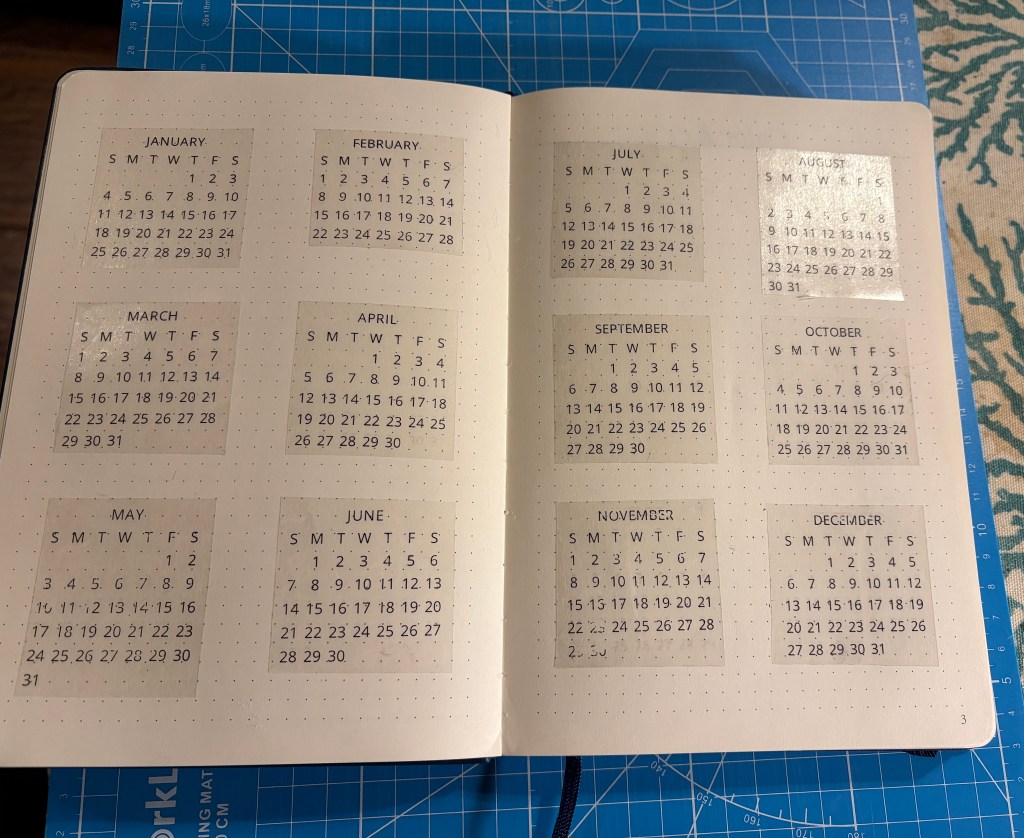
I’ve left a little bit of space at the front of the journal so I can include a word of the year or intention for the space, if I feel so inspired. Since the admin pages can be a little boring, I thought I’d share my process of printing my own labels, which will be shown on many pages.
I bought this sticker paper from Amazon, which is used for laser printers. Because it’s a full sheet, when I am printing labels I try to do them edge to edge. It might seem like $10 for 20 sheets is expensive for paper, but I really like the look of my own labels and can make 20-30 on a single sheet. I’m hoping this pack will last me all year.
This calendar printable came from JashiiCorrin in her free resource library and I first printed it on regular paper and cut it to make sure it would fit in my journal properly.
I use a cutting mat, fabric ruler and rotary cutter to trim the edges:
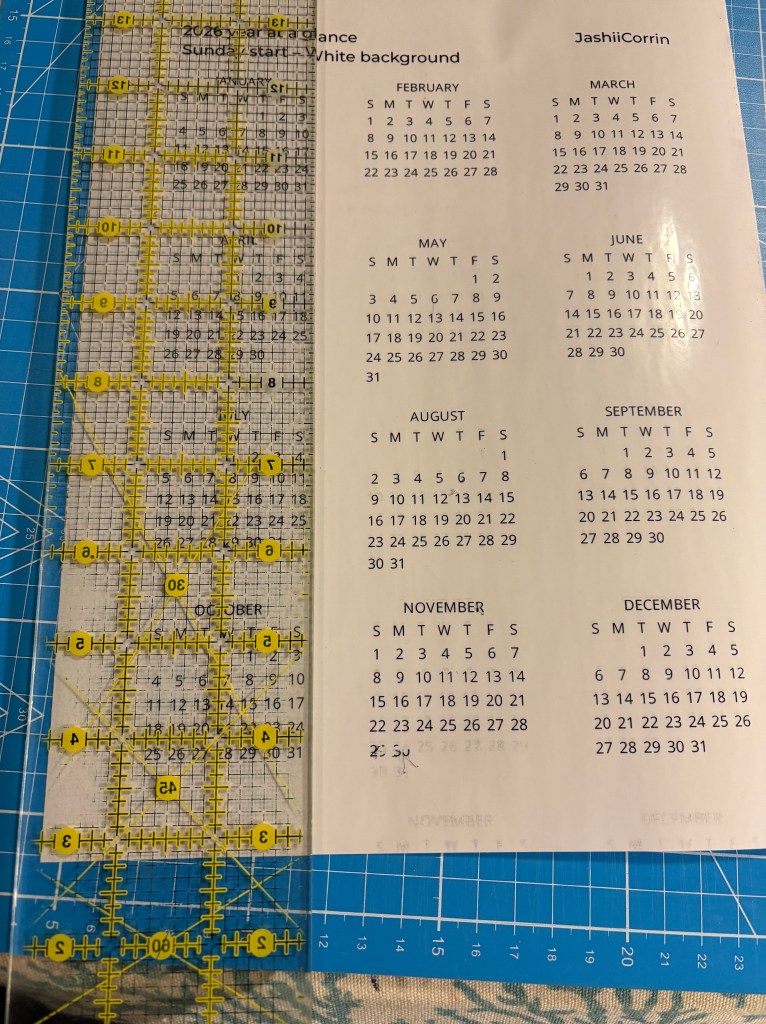
Using a ruler with grid lines allows me to keep the margins consistent. Here they are all cut out:

When setting up pages, I sometimes use washi tape to block off the edges. While I considered leaving this tape in, it was tearing at the edges really badly.

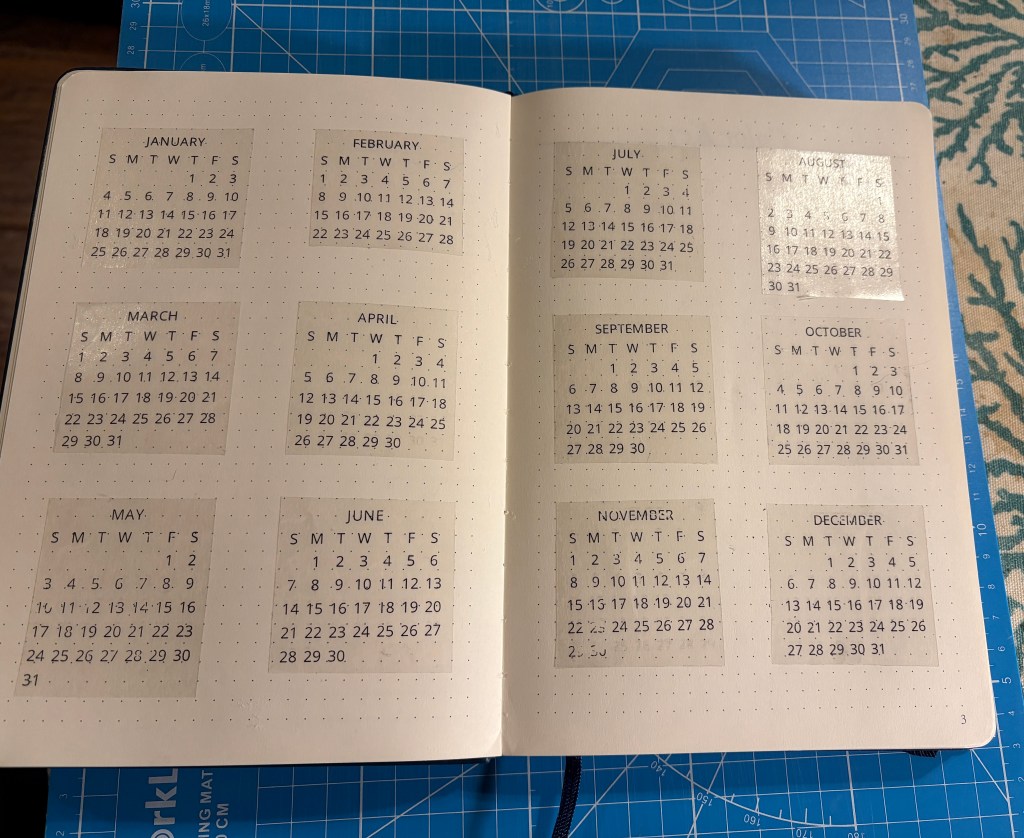
Because some months have 4 full weeks (February) and others have 5 partial weeks (June), I decided to line them up at the top with consistent spacing on the top/sides. Here’s the final 2026 Calendar pages set up:


 Every Little Step